The problem
When we audited the Swip Tools docs, every screenshot on the site was older than the latest releases. Docs go stale because they’re treated as a project: someone catches up, the product ships, and the gap opens again. For anyone preparing a launch, a demo or a help article, that means chasing engineering for fresh screenshots and blurring customer names by hand, over and over.
What I learned
Documentation drifts the moment the product ships, so the fix is a system, not a rewrite. Start from what the product really does, generate screenshots from the real product with a script, and build animations like software so they can be checked automatically. When the next release ships, keeping the docs current is a re-run, not a project.
The technical version
Treat the code as the spec, make every claim point at a file, and generate screenshots from the running app with a script. Animation is the same discipline: if every frame is a pure function of a playhead, it can be tested, recorded and made accessible like any other component, and adding the next one is small.
What I did
- Started from what the product really does. Every statement in the docs is traced back to the product’s code.
- Turned most screenshots into a script. The same conditions every time, with demo names swapped in before each shot, so a changed screen is a re-run.
- Built animated explainers that show a shift, a stop, and why a target was missed, and that work for people who use screen readers or prefer reduced motion.
- Put one set of checks in front of every change, plus two independent reviews, one on quality and one on security.
- Split the work across AI agents working in parallel, with clear boundaries, so capture, each animation and each review ran side by side.
The technical detail
- The spec. Operator and admin code were read, and each UI label and flow got a file and line before it went into the text.
- Capture. Playwright against the running app, one viewport, one theme, and anonymizing rules that rewrite the page text so only a demo tenant shows. A cleaner shot is a rule change and a re-run.
- Explainers. React and SVG on one shared timeline hook and stylesheet, with reduced-motion support, play and pause controls, a text transcript, unit-tested helpers, and deterministic frames for recording.
- The gate. Build, tests, type check, a link and image check, and independent principal and security review passes.
- Agents. Parallel subagents with their own files, and a rule that every claim needs a source.
What it looks like
Press play. These are recorded straight from the live docs, and each caption describes what happens.

From a missed target to its cause. The day falls to 71% against an 85% target, the downtime chart shows waiting on material as the biggest named cause, and the drill-down total matches the bar. Example data.

A shift against plan. The operator taps Complete cycle, a short overlay confirms it, and the next cycle starts on its own. Example data.

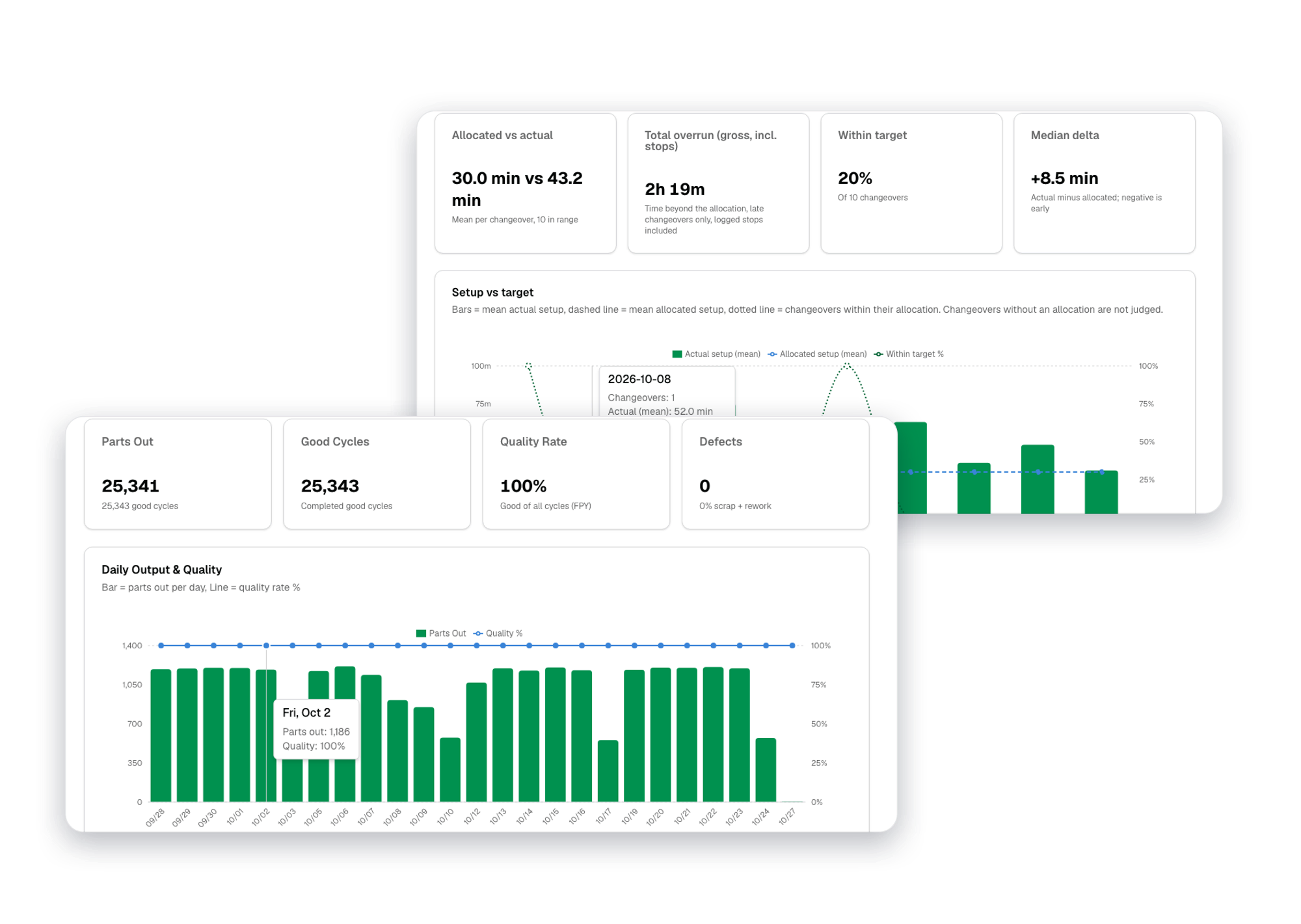
A screenshot from the pipeline: the drill-down behind a downtime bar.

The operator’s work board, with generic cell, part and order names.
What I shipped
More than forty refreshed or new screenshots, new analytics docs, corrections across the existing docs, and animated explainers embedded in the docs. The results are live in the docs, linked from the button above. The story behind the system is in the blog post, Documentation as a System, Not a Project, and the wider product work is on the Swip Tools project page.
The next step is a narrated walkthrough: the script and storyboard are written, and an ElevenLabs voiceover and music come next.
The numbers
The test suite grew from 38 to 47, and the build, type check and a link and image check over the built site passed before it merged.