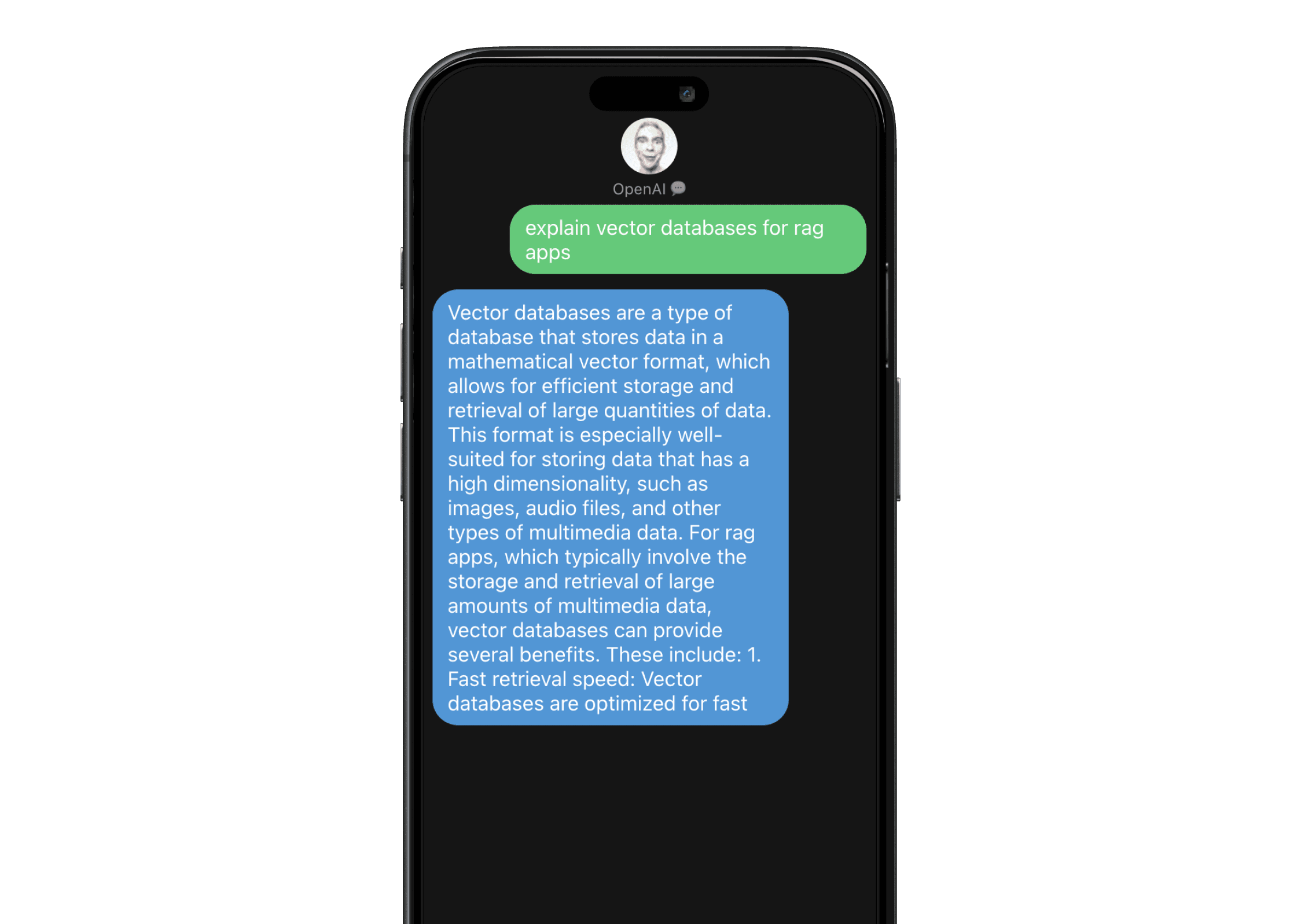
What I learned
This was the project where the UX of AI chat clicked for me, separate from the API mechanics. Native-feeling chat — the typing indicator, the burst delivery, the bubble grouping — is what makes an AI conversation feel like a person you’re texting rather than a help-desk form. The model’s job is to be smart; the interface’s job is to make smart feel like talking to a friend.
What I did
- Built the chat UI in React, mimicking the iMessage interaction pattern (bubble grouping, send animations, delivered-state cues).
- Wired a Node.js + Axios backend to handle OpenAI API calls, with proper error handling and rate-limit awareness.
- Tuned the prompt + system instructions so responses feel scoped and conversational, not generic.
- Deployed live so I could send the link to friends and watch how non-developers reacted to AI chat.
What I shipped
A live AI chat app at https://open-ai-imessage-app.netlify.app in the visual language of iMessage — and a personal proof point that I could ship an OpenAI-backed product end-to-end before AI chat was the default in every app.